





















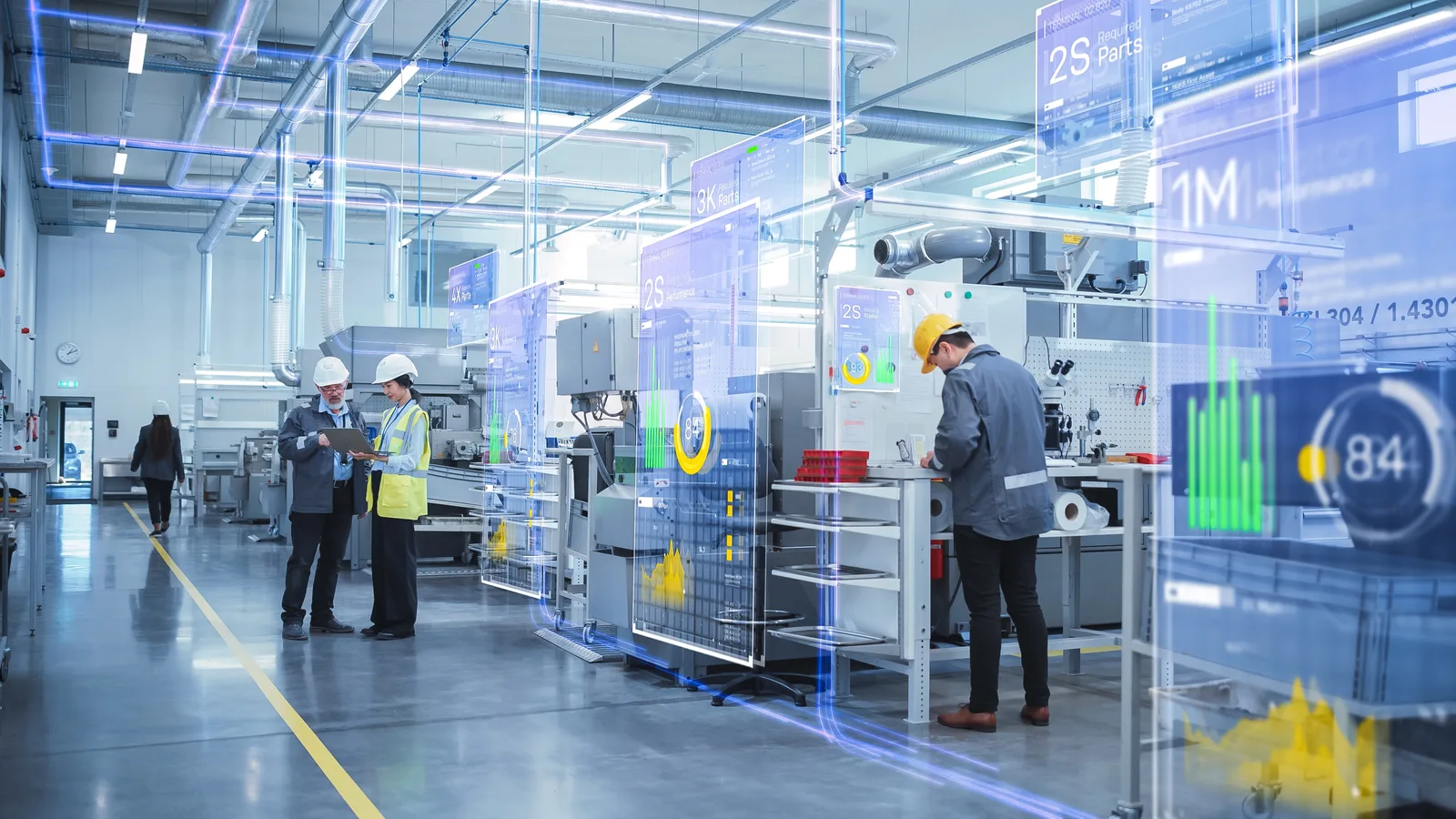
AI-generated insights help us identify differences in how different groups of operators work.

Industrial AI software
for your factory.
Ask a question. Your factory answers.
Your factory answers
68 %average OEE
 PAL-03 robot · last 3 months
OEE is 68%: availability 78%, performance 91% and quality 96%. PAL-03 starts 18 minutes late after shift handover because alarms need resetting and the gripper needs adjusting. Standardise start-up and measure for four weeks before considering replacement.
Manufacturers already trust ZEO to make their factories smarter
Connected through MCP
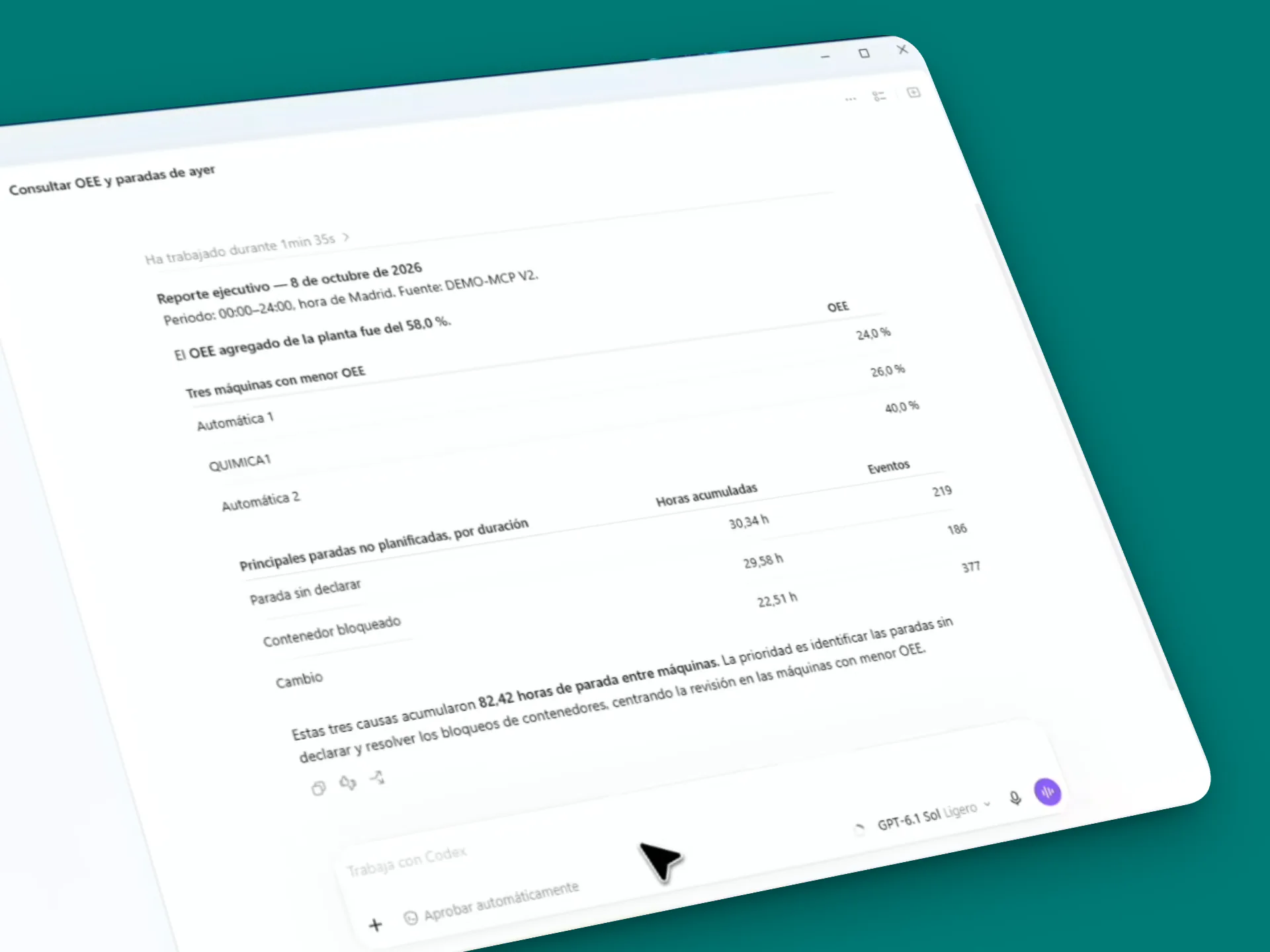
Connect your factory with ChatGPT, Claude, Copilot or any LLM.
Ask questions in natural language about production, OEE, quality and delivery performance, using the real context of your plant.

Technology and people
You know every process.
We know how to apply AI in industry.
Your team knows how to manufacture. We bring experience in industrial digitalisation, best practices and artificial intelligence to help you make more of what your plant already knows.
We work with you to ask the right questions, interpret the answers and turn opportunities into actions that make sense for the people working in your factory.
Let's discuss your first use caseContinuous improvement cycle
A Lean AI assistant connected to your factory
Move from shop-floor data to action, follow-up and recommendations for the next improvement.
Connect to my ZEO plant data and prepare a dashboard.
Bring production, OEE, quality, downtime and delivery performance together in a clear view with key indicators and trends.
Analyse my results and show where I have the greatest opportunity to improve.
Compare losses, trends and indicators to highlight opportunities and explain why they may be worth prioritising.
Suggest Lean actions to improve those results.
Relate proven industrial practices to real factory data and propose actions for my team to consider.
Help me explore an action and measure its effect.
Explain what to review and suggest indicators to compare the starting point with the results.
Track the improvement and suggest what to do next.
Review progress, highlight deviations and suggest what may be worth investigating to sustain improvement.
Connect the agent to my tools and automate reports.
Email a monthly report to Management and a daily report to Production with indicators, deviations and recommendations.
Follow-up reveals new opportunities and starts the cycle again.
Frequently asked questions
Industrial AI and MCP for your factory
ZEO AI Analytics is ZEO Technology's industrial analytics and artificial intelligence module. It connects structured, contextualised industrial data with AI tools so you can ask questions about production, compare indicators and investigate improvement opportunities in natural language.
ZEO AI Analytics connects ZEO industrial information to tools such as ChatGPT or Claude through MCP. The ZEO team works with you to define the use case, prepare the context and adapt the connection to your organisation's tools and policies.
MCP (Model Context Protocol) is a protocol that lets AI applications connect to external information sources and tools. With ZEO AI Analytics, it helps queries draw on production data with context about machines, shifts, orders, losses and indicators.
AI can help compare losses, summarise incidents and explore patterns in production data. This makes it easier to see where time is being lost and which issues to investigate first. Your team validates opportunities with its process knowledge and decides what to put into practice.
You can ask it to analyse your factory results and highlight where there may be the greatest opportunity to improve. It can use available losses, trends and indicators to help prioritise opportunities and explain why they may be worth investigating. Your team provides the process knowledge to assess next steps.
AI can relate Lean practices to your plant data and context to suggest improvement actions. You can ask it to explore a recommendation, explain what to review and help you plan how to put it into practice with your team.
You can ask for indicators to monitor and ways to compare the starting point with the results. Following their evolution helps you assess the effect of actions, spot deviations and decide what to investigate next, taking any changes in the factory into account.
When an agent is connected to your organisation's tools, you can configure email reports with different schedules and content for each team. For example, a daily summary for Production and a monthly report for Management with indicators, deviations and recommendations. The ZEO team can help define the scope, connections and permissions.
Your team makes the decisions. ZEO AI Analytics helps analyse data, explore opportunities and assess recommendations in the context of your factory. The people who know the process decide which actions to take and how to validate them. Agent tasks are configured to match the scope and permissions set by your organisation.
ZEO AI Analytics
Your next good question
could change how you improve.
Tell us what you need to understand about your plant. We'll help you explore how to connect your data with AI and where to begin.
Let's talk about your factory